Landscape Edits
Client Brief: Using raw photos (left), make natural color and lighting edits and add a realistic looking sunset to the sky.
Tools used: Lightroom for basic color, lighting, and saturation edits; Photoshop for more complex layer masking, blend modes, and further color grading and lighting adjustments.
Tools used: Lightroom for basic color, lighting, and saturation edits; Photoshop for more complex layer masking, blend modes, and further color grading and lighting adjustments.
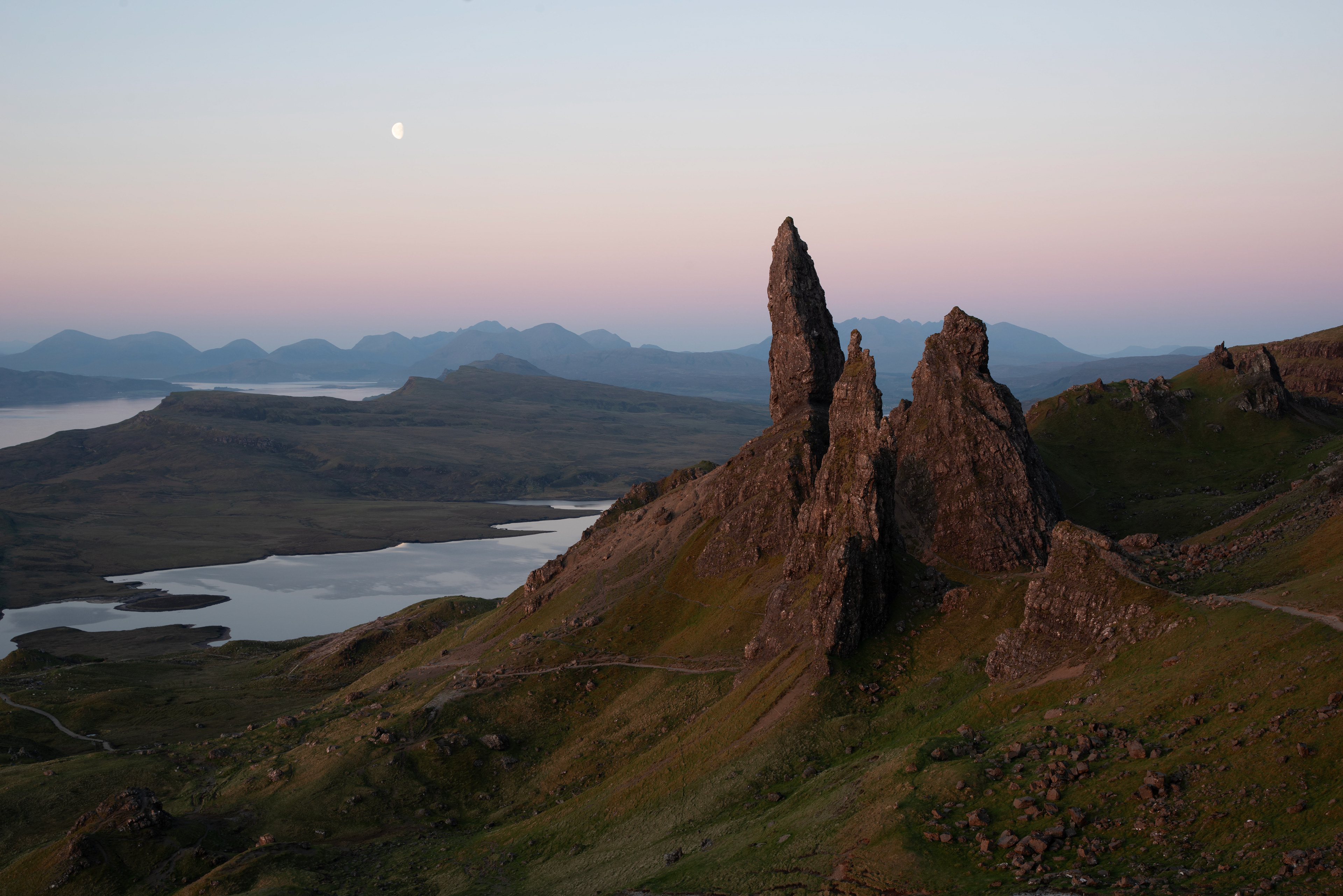
Before
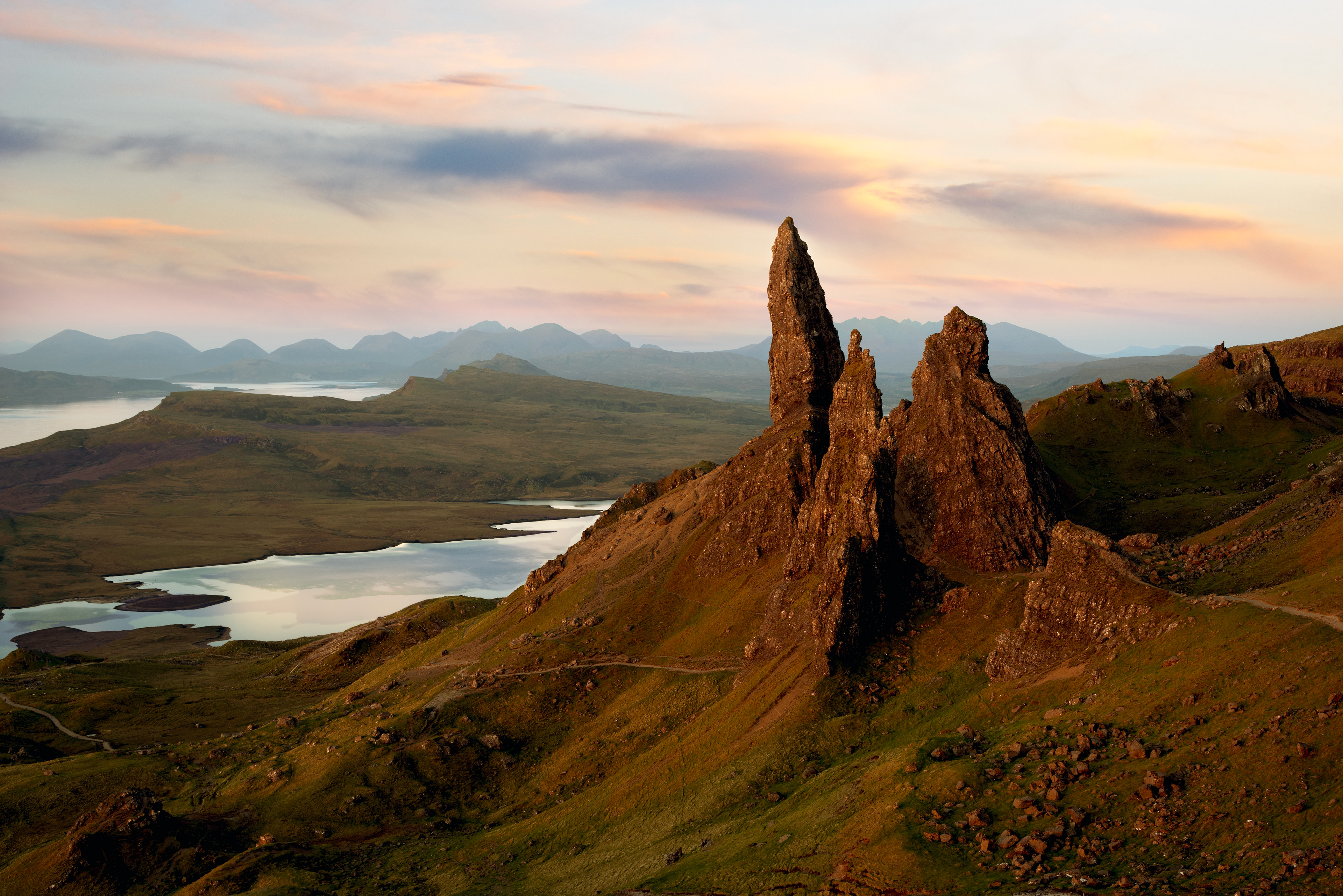
After

Before
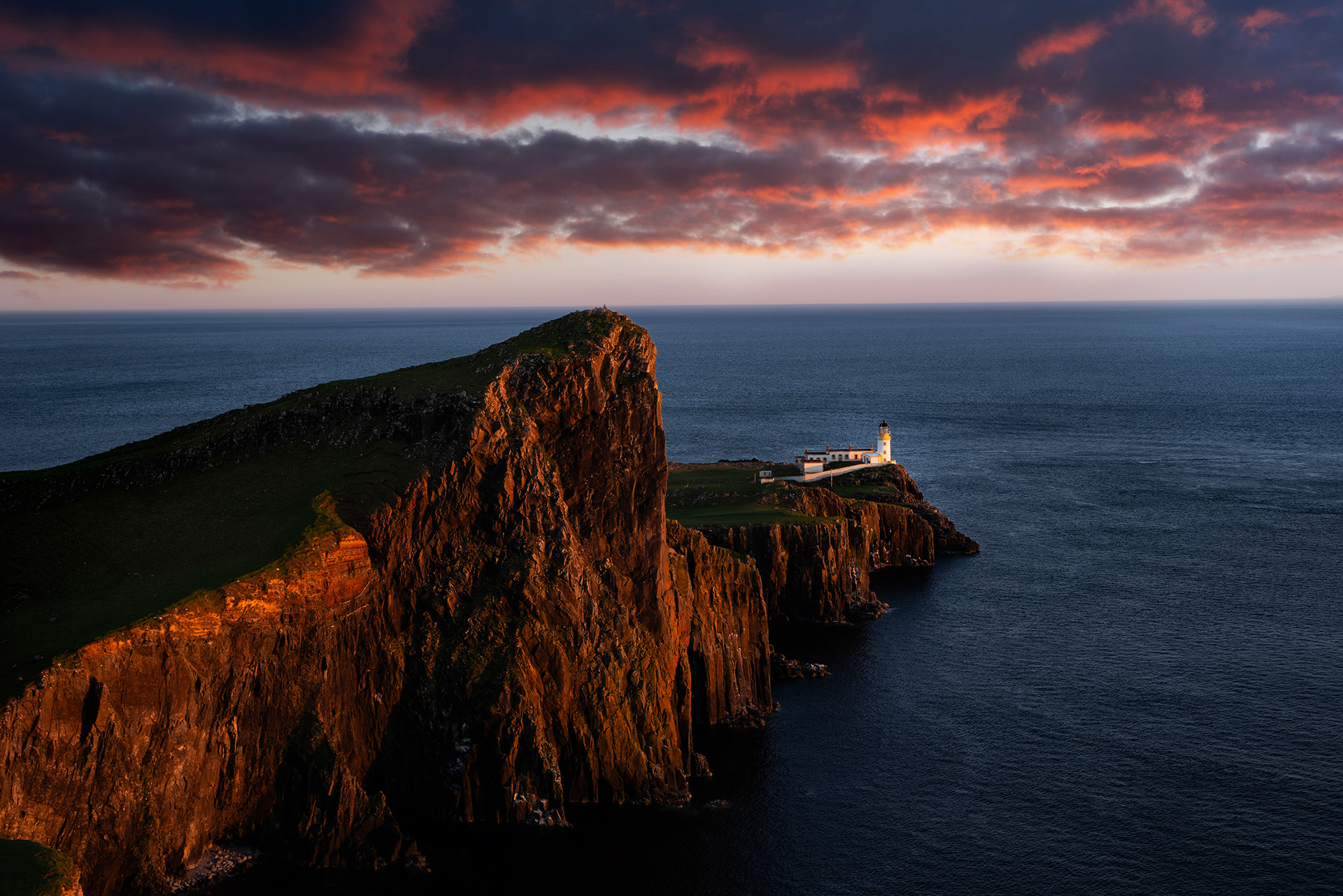
After
Complex Photo Composites
Client Brief: Replace man's head, remove dog leash and harness, replace background, improve color and lighting, and seamlessly combine all image elements into a new piece of artwork for a book cover. Original image was from a photo shoot featuring rescue dogs, and the client wanted this dog featured on the book cover.
Tools used: Photoshop for layer masking, liquify, color balance, curves, brightness/contrast, exposure, and hue/saturation.
Tools used: Photoshop for layer masking, liquify, color balance, curves, brightness/contrast, exposure, and hue/saturation.
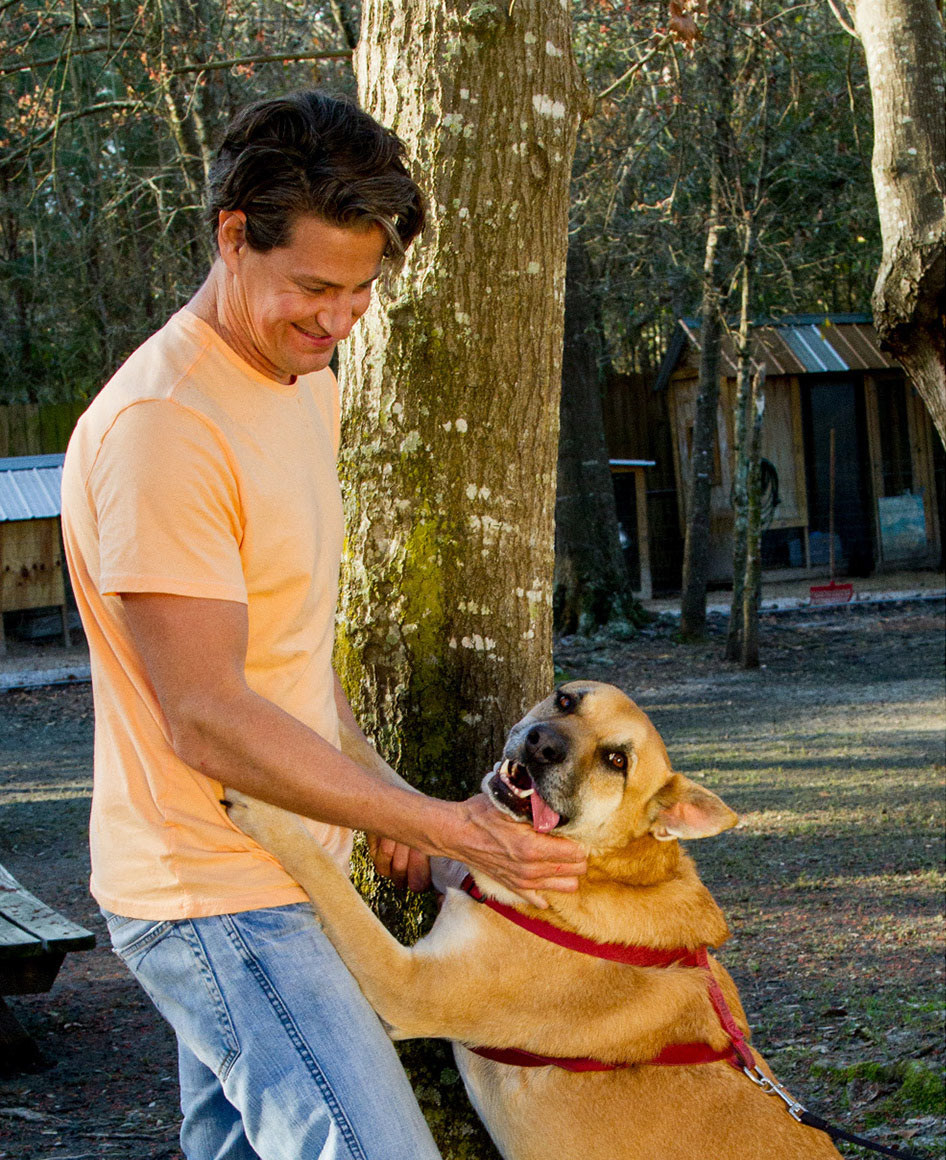
Before
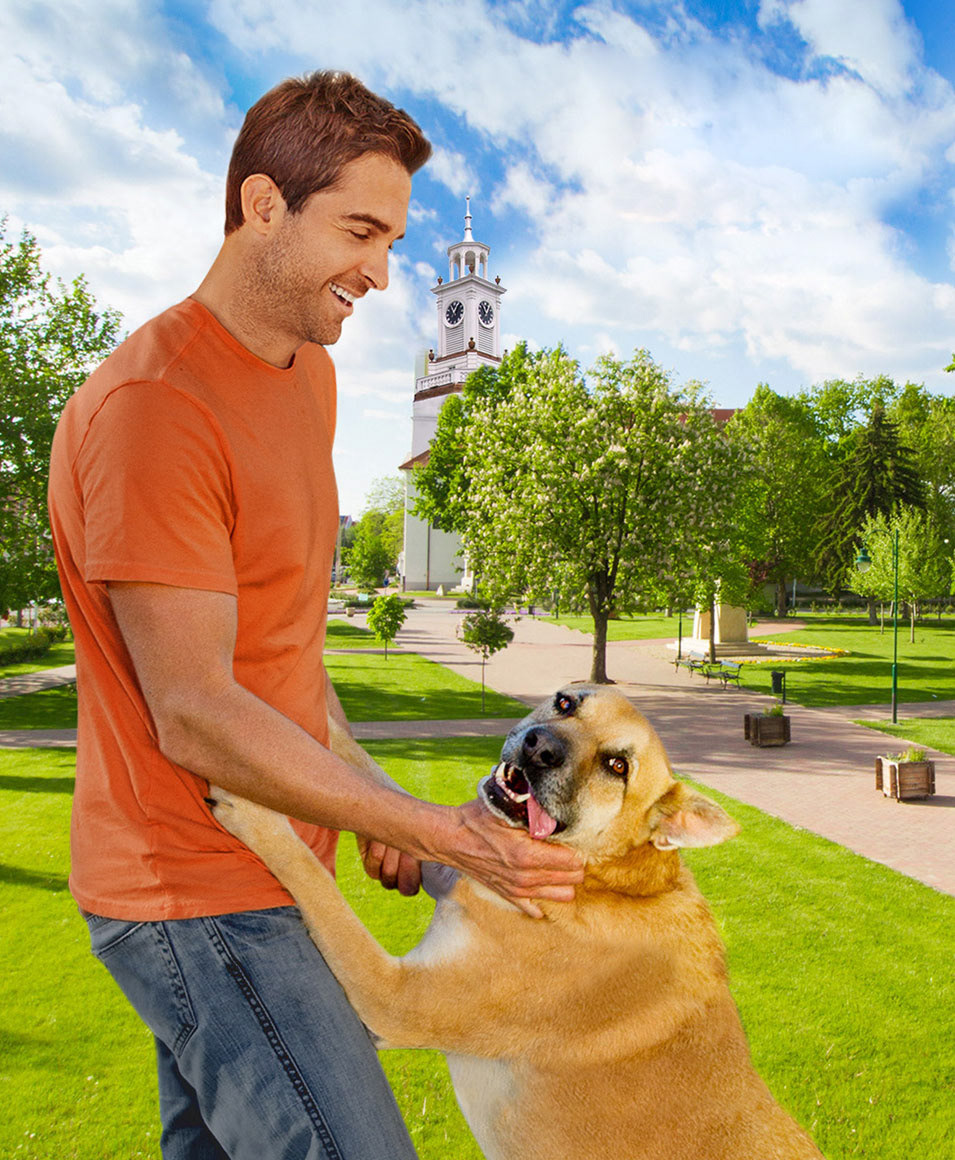
After
Client Brief: Using license stock image (left), create a moody and suspenseful image of a house at nighttime for a mystery novel cover.
Tools used: Photoshop for brightness/contrast, exposure, photo filters, multiple hue/saturation layers, stamp tool, and layer masking and blend modes.
Tools used: Photoshop for brightness/contrast, exposure, photo filters, multiple hue/saturation layers, stamp tool, and layer masking and blend modes.
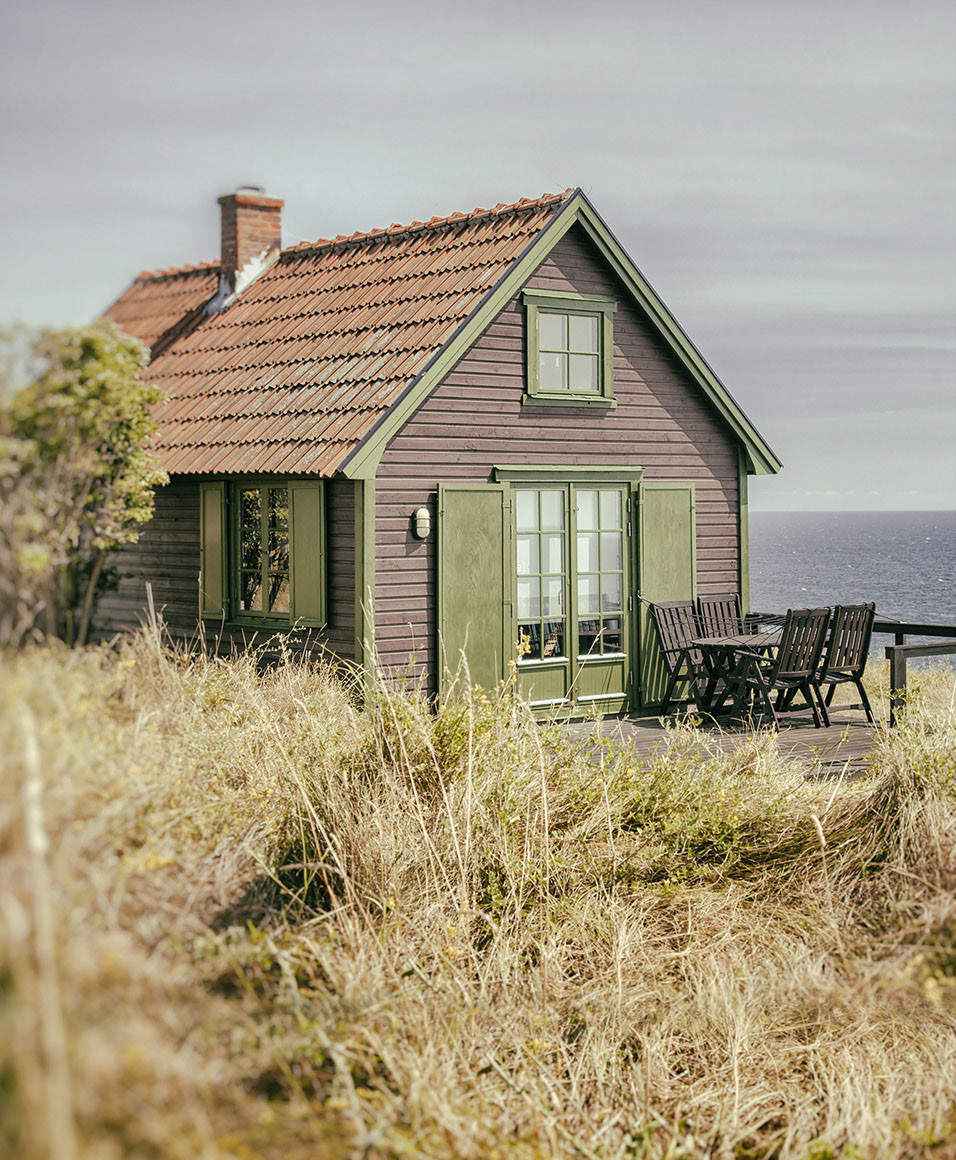
Before
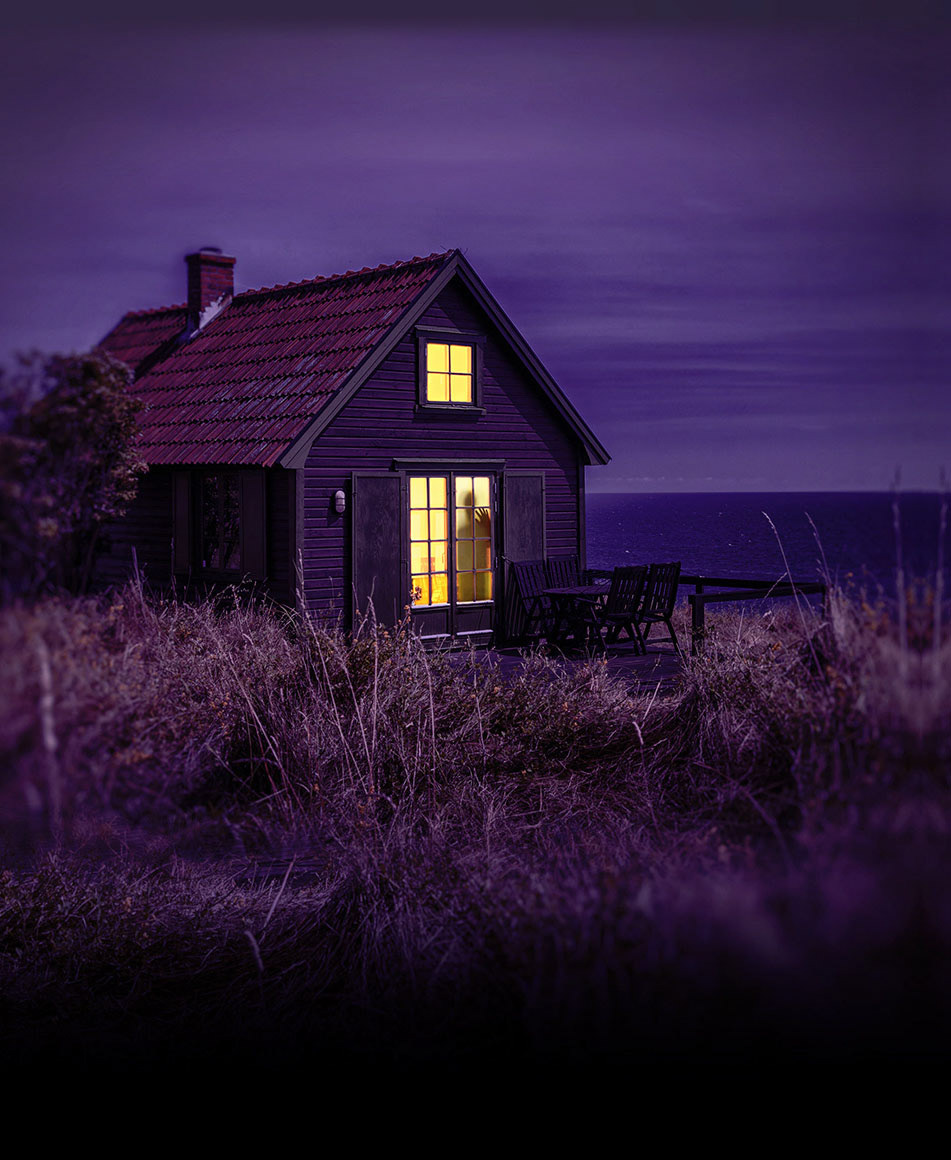
After
Lifestyle Edits
Client Brief: Using original photo (left) clean up the background, remove yellow tiles from back wall, and create a solid wall and column on left-hand side of image.
Tools used: Photoshop for layer duplication and manipulation, and complex stamp-tool use to expand cream-colored tiles.
Tools used: Photoshop for layer duplication and manipulation, and complex stamp-tool use to expand cream-colored tiles.
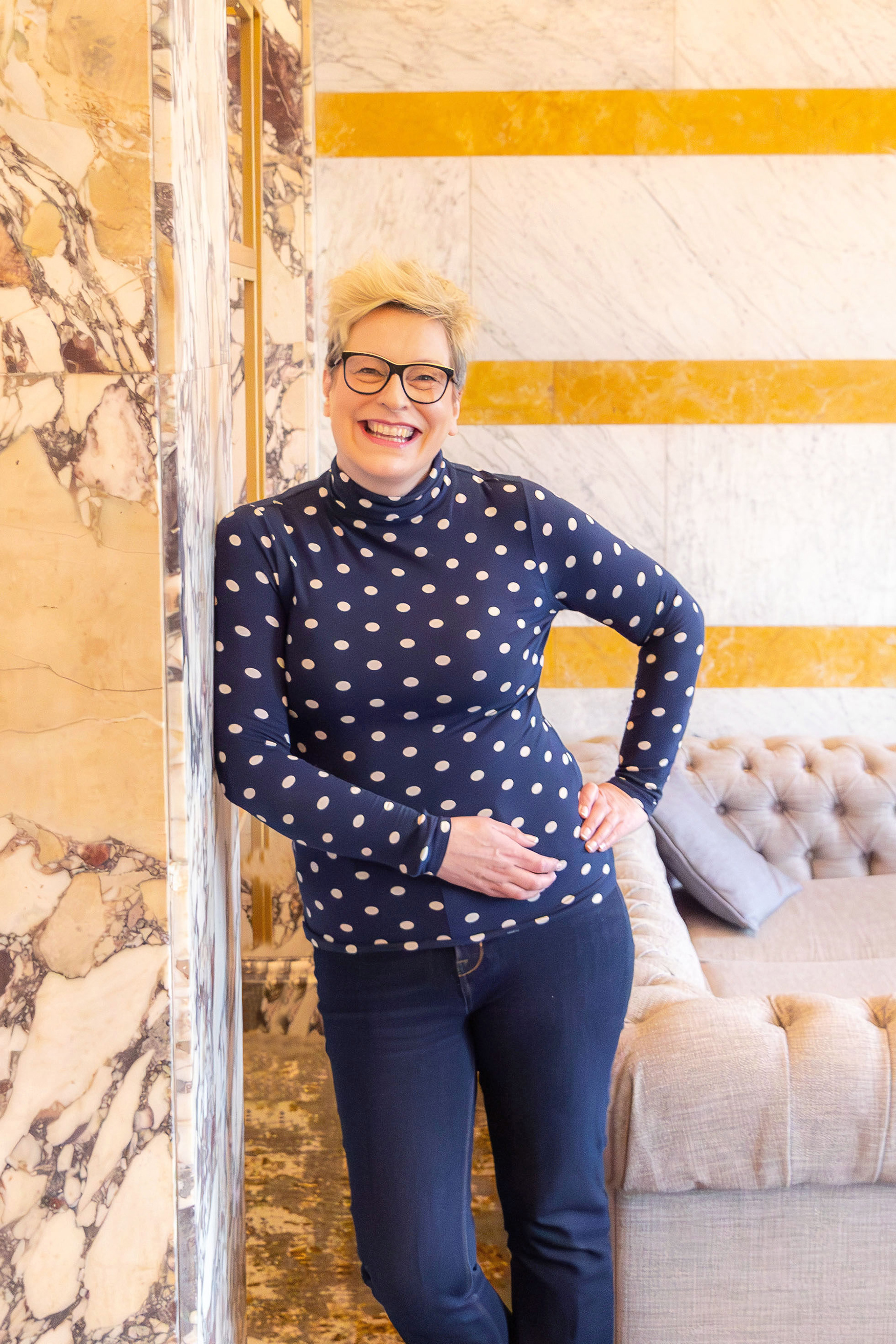
Before
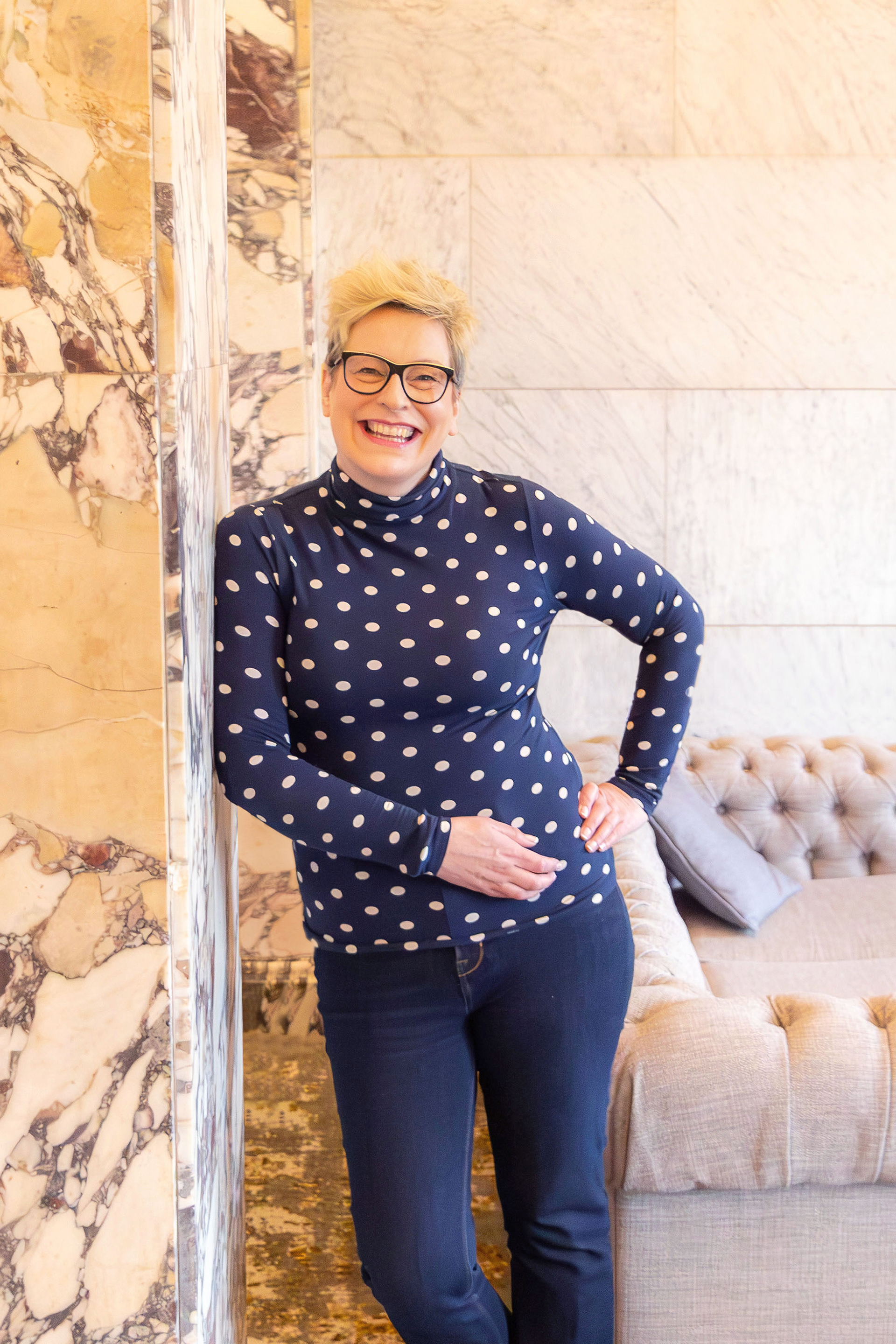
After
Client Brief: Using original photo (left), change all fencing and posts from black to white, and make general lighting improvements.
Tools used: Photoshop for complex layer masking, hue/saturation, exposure, and color gradient layers. Complex brush, lasso, and magic wand tool use for detailed fence selections around foliage and light fixtures. Brightness/contrast and color balance layers to enhance overall image.
Tools used: Photoshop for complex layer masking, hue/saturation, exposure, and color gradient layers. Complex brush, lasso, and magic wand tool use for detailed fence selections around foliage and light fixtures. Brightness/contrast and color balance layers to enhance overall image.
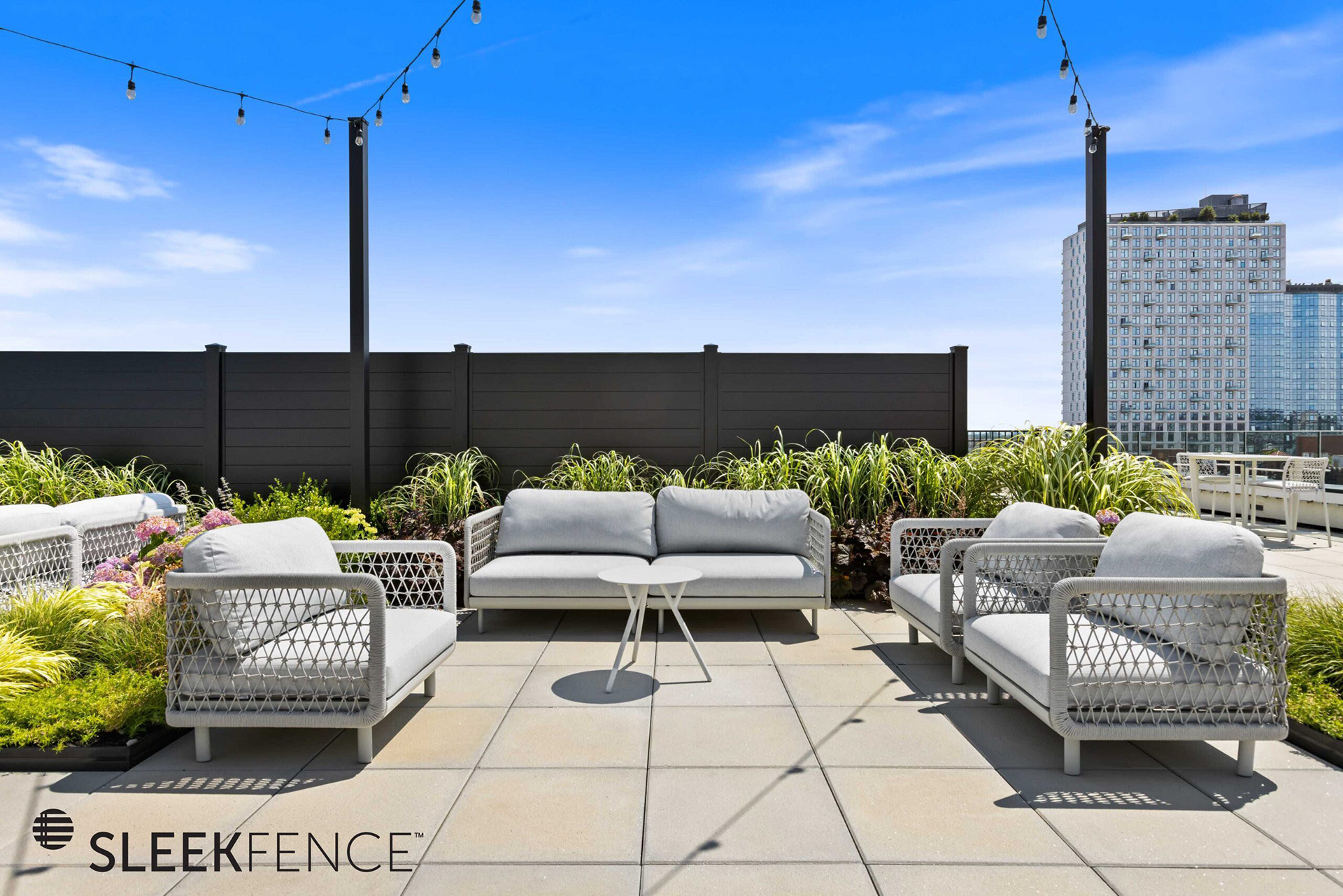
Before
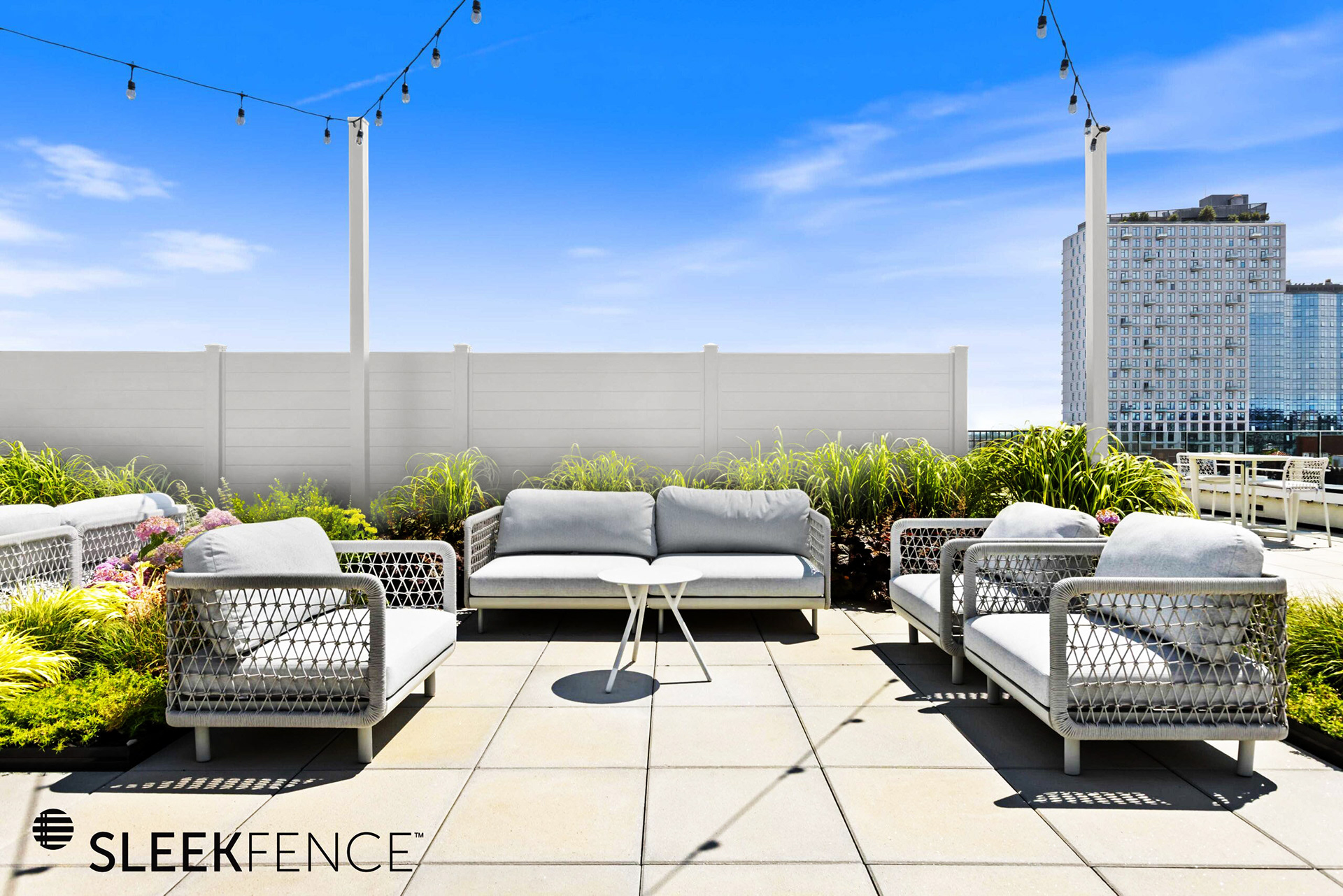
After
Client Brief: Using a stock photo (left), clean up the image, and remove any debris or unnecessary items. Color correct all wood on the house to exact color of Pacific Home's purple treated wood product. Realistically add Pacific Homes logo to key points on the house to mimic the product.
Tools used: Photoshop for complex object removals from roof and garage using stamp tool, layer duplication, and layer masking. Color edit using hue/saturation and brightness/contrast, with brush, lasso, and magic wand tool usage for complex selections.
Tools used: Photoshop for complex object removals from roof and garage using stamp tool, layer duplication, and layer masking. Color edit using hue/saturation and brightness/contrast, with brush, lasso, and magic wand tool usage for complex selections.
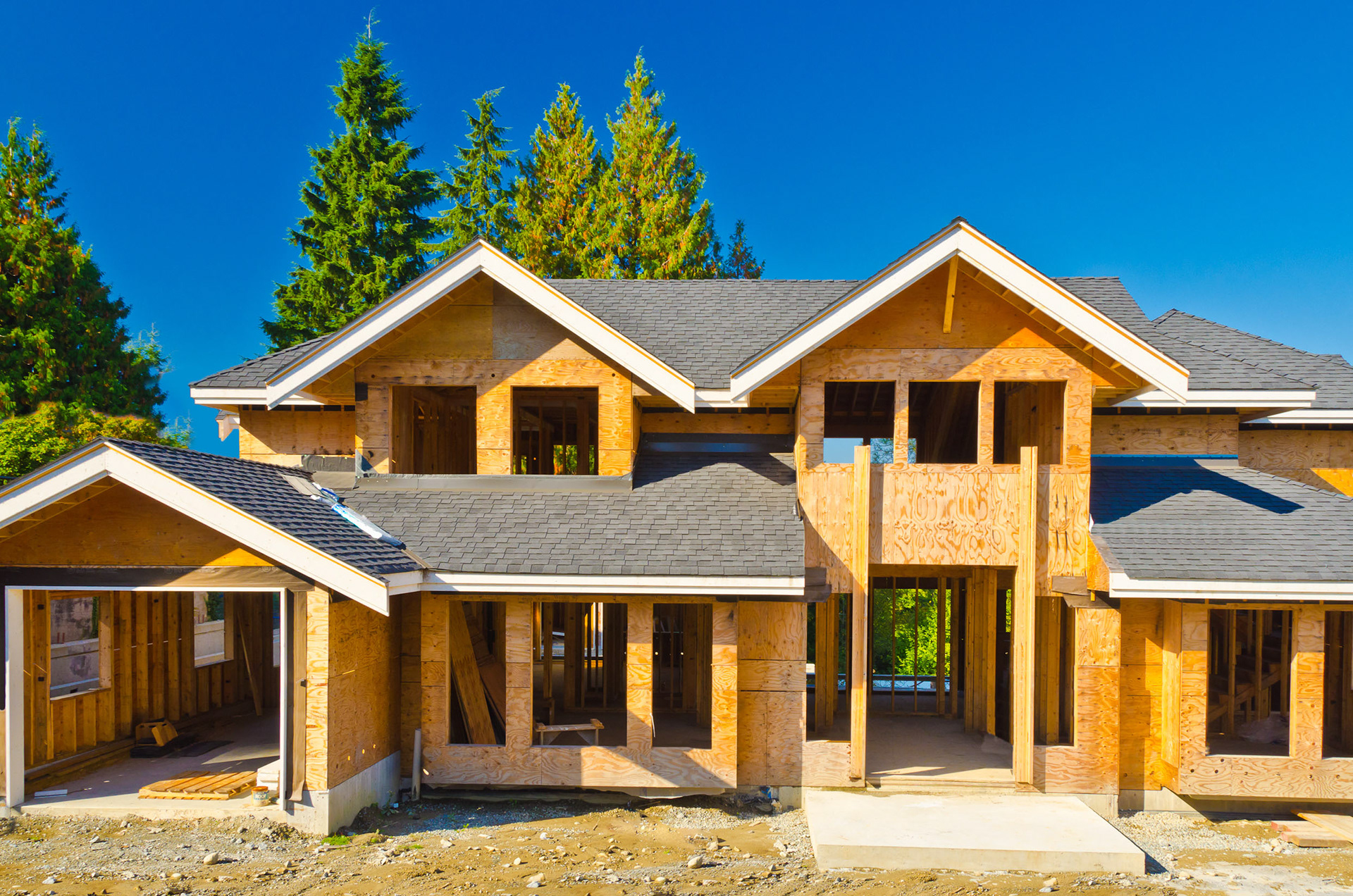
Before
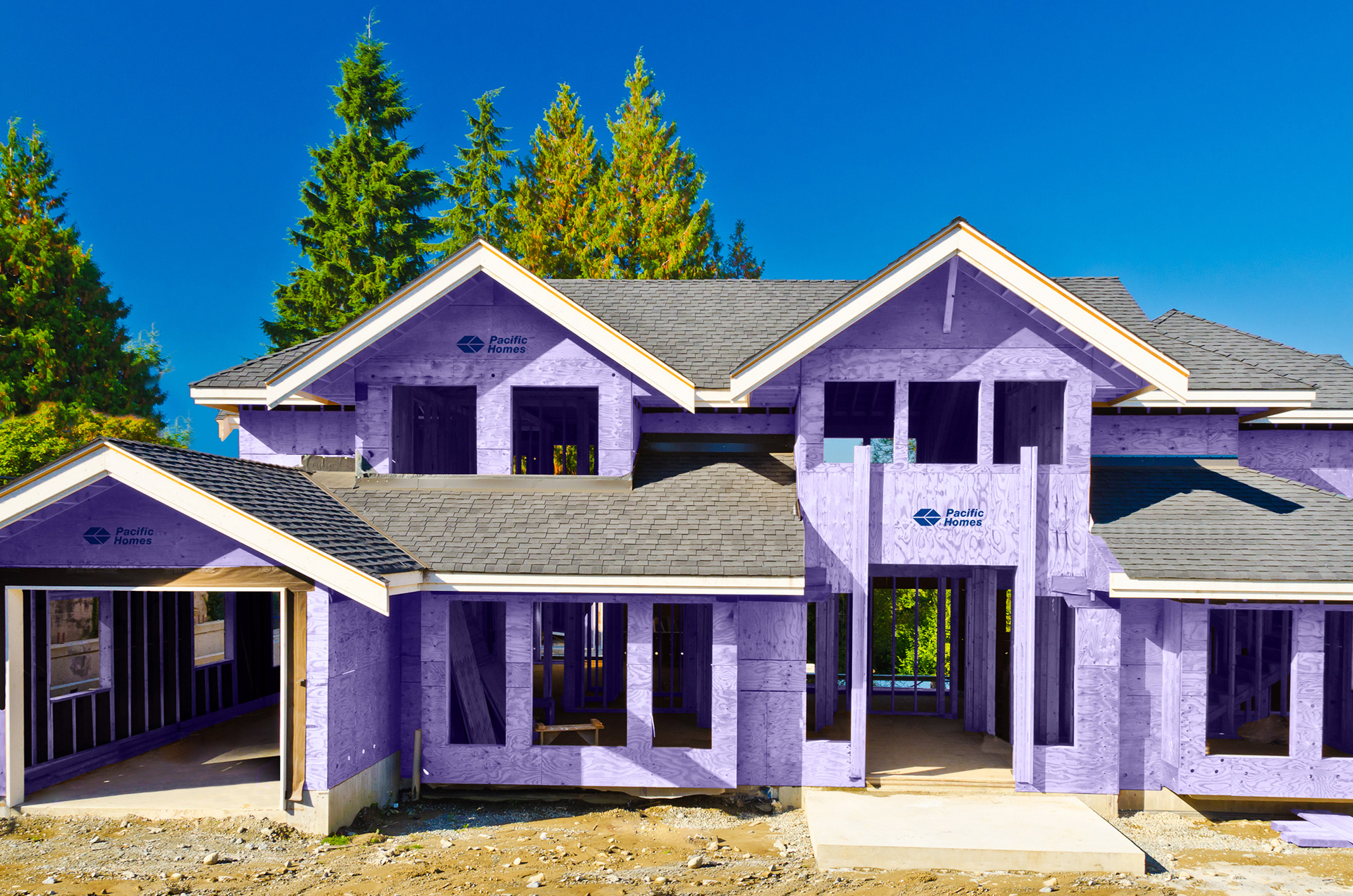
After
Textile Pattern Edits
Client Brief: Using scan of original yarn pattern (left), clean up stitches and remove any unnecessary fibers. Remove backing and create a seamless, repeatable pattern for use on products, such as silk scarves. Retain yarn texture and pattern integrity during editing process.
Tools used: Photoshop for complex layer masking and duplication, stamp tool, transform and warp, and pattern preview.
Tools used: Photoshop for complex layer masking and duplication, stamp tool, transform and warp, and pattern preview.
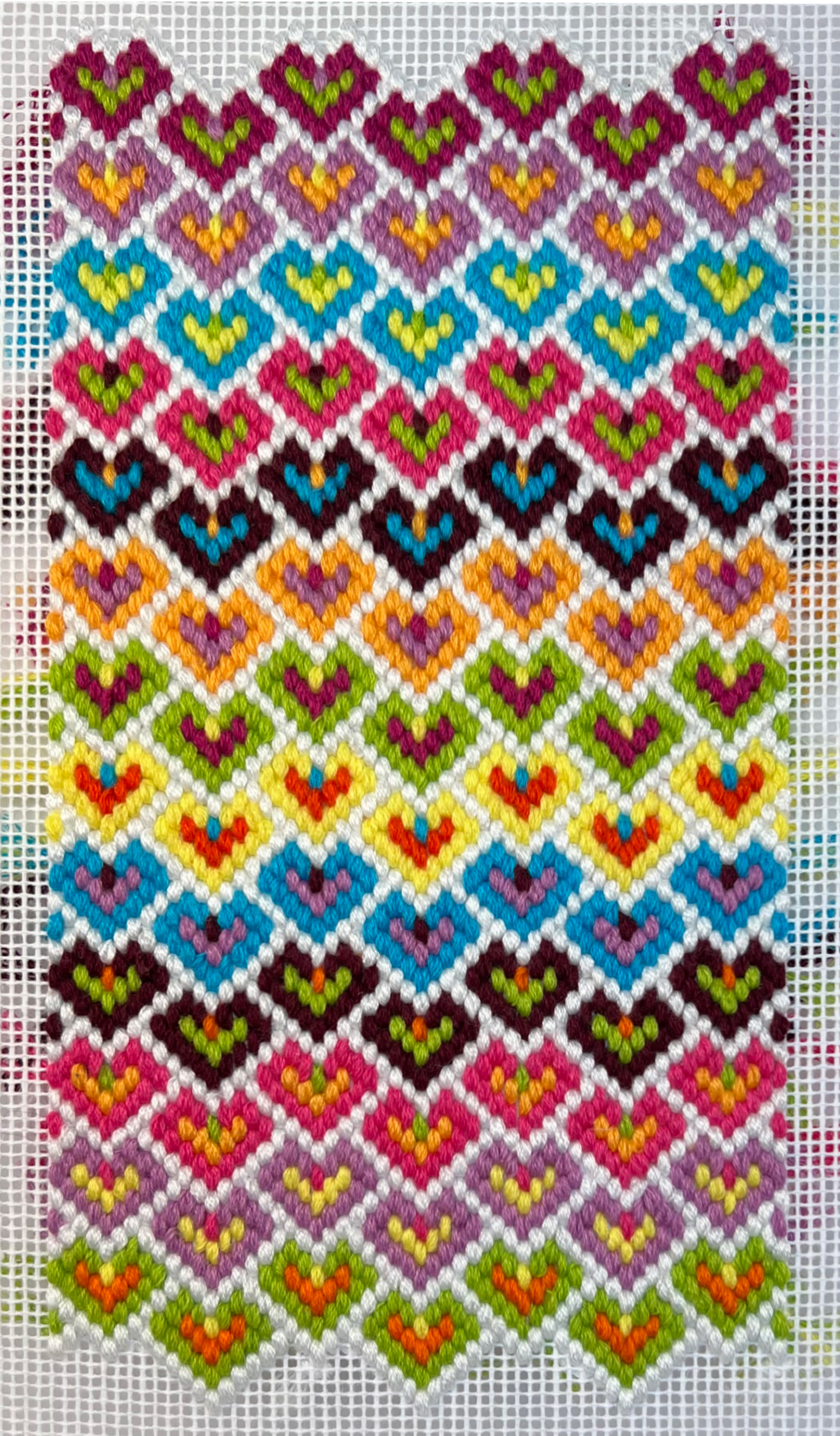
Original Pattern
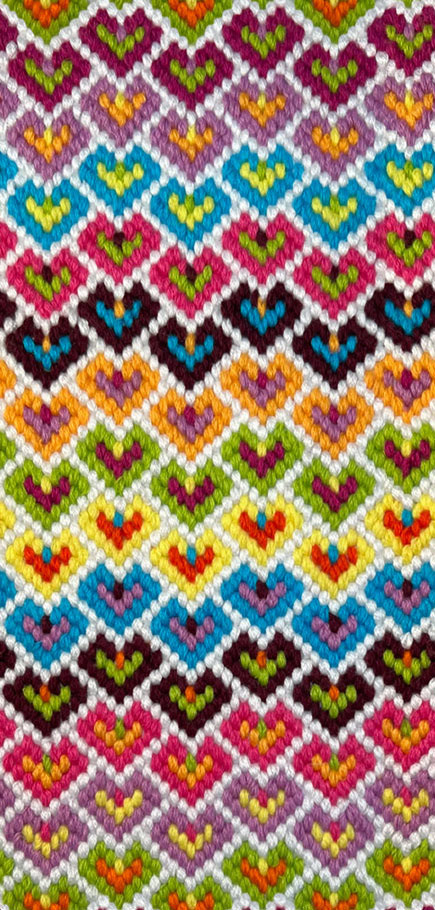
Edited and Digitized Pattern
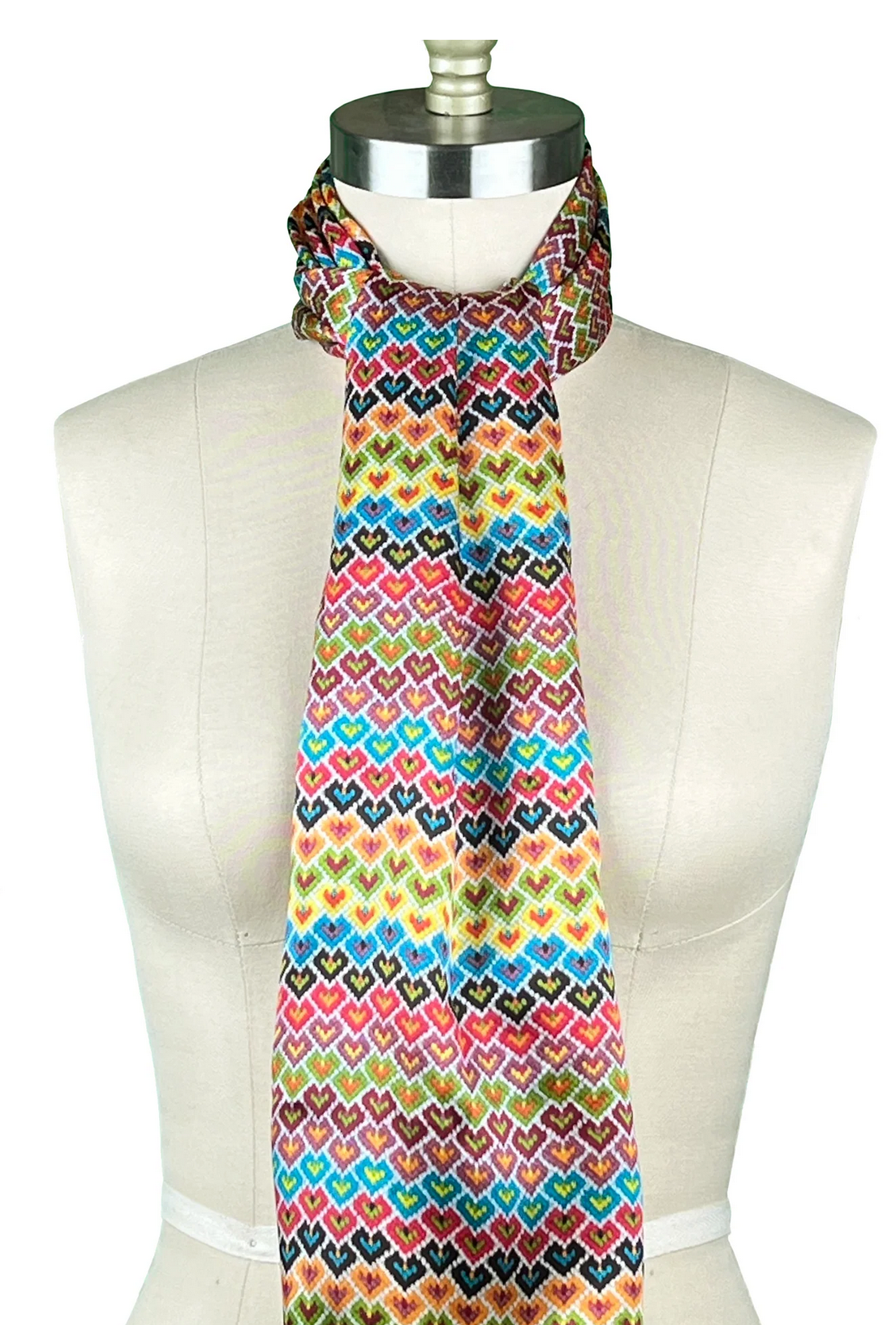
Final Product
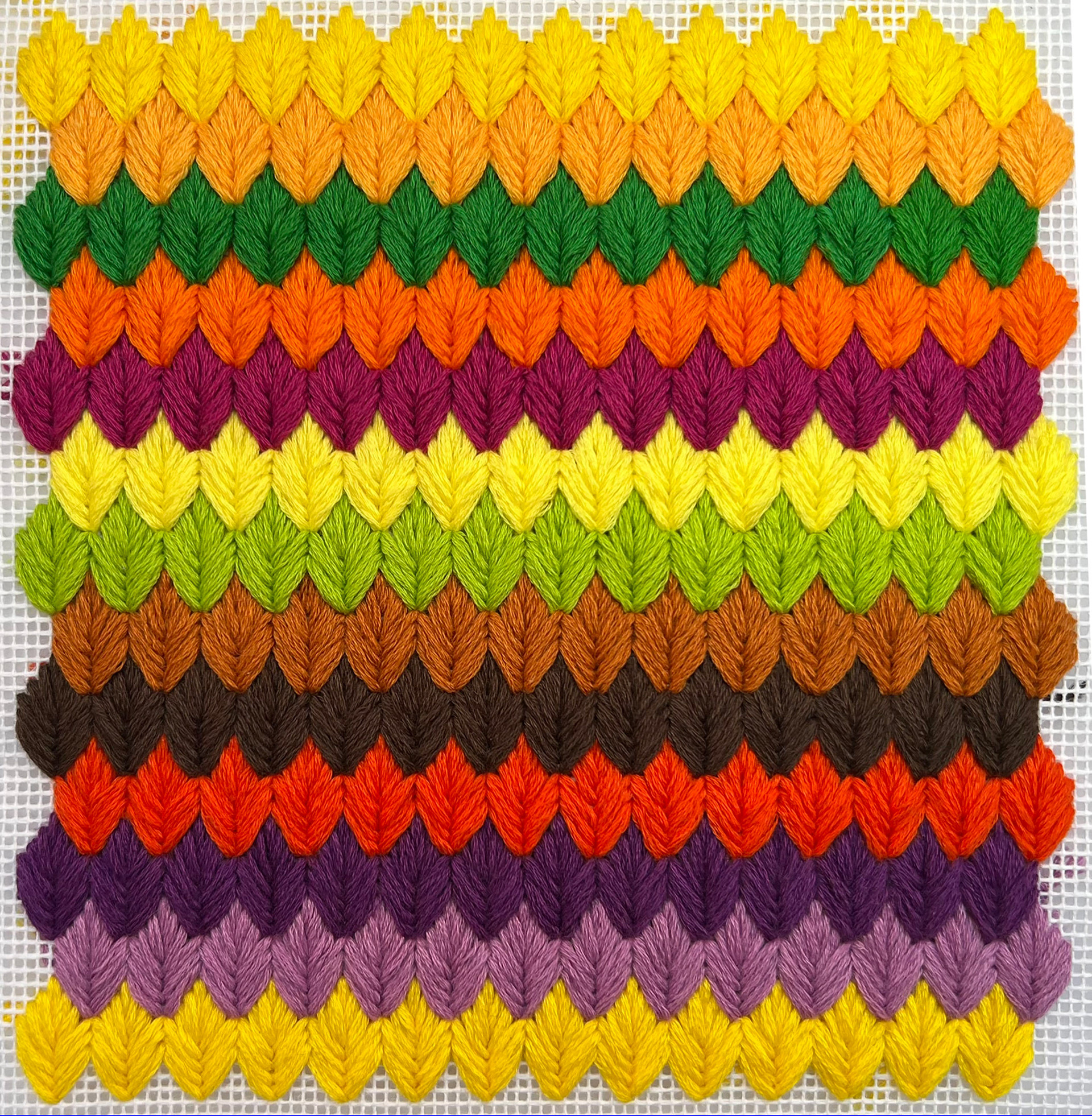
Original Pattern
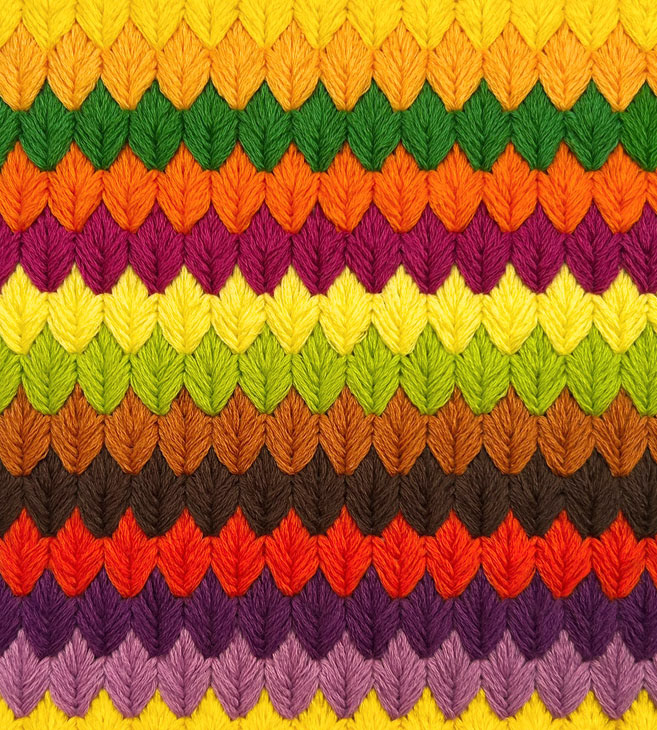
Edited and Digitized Pattern
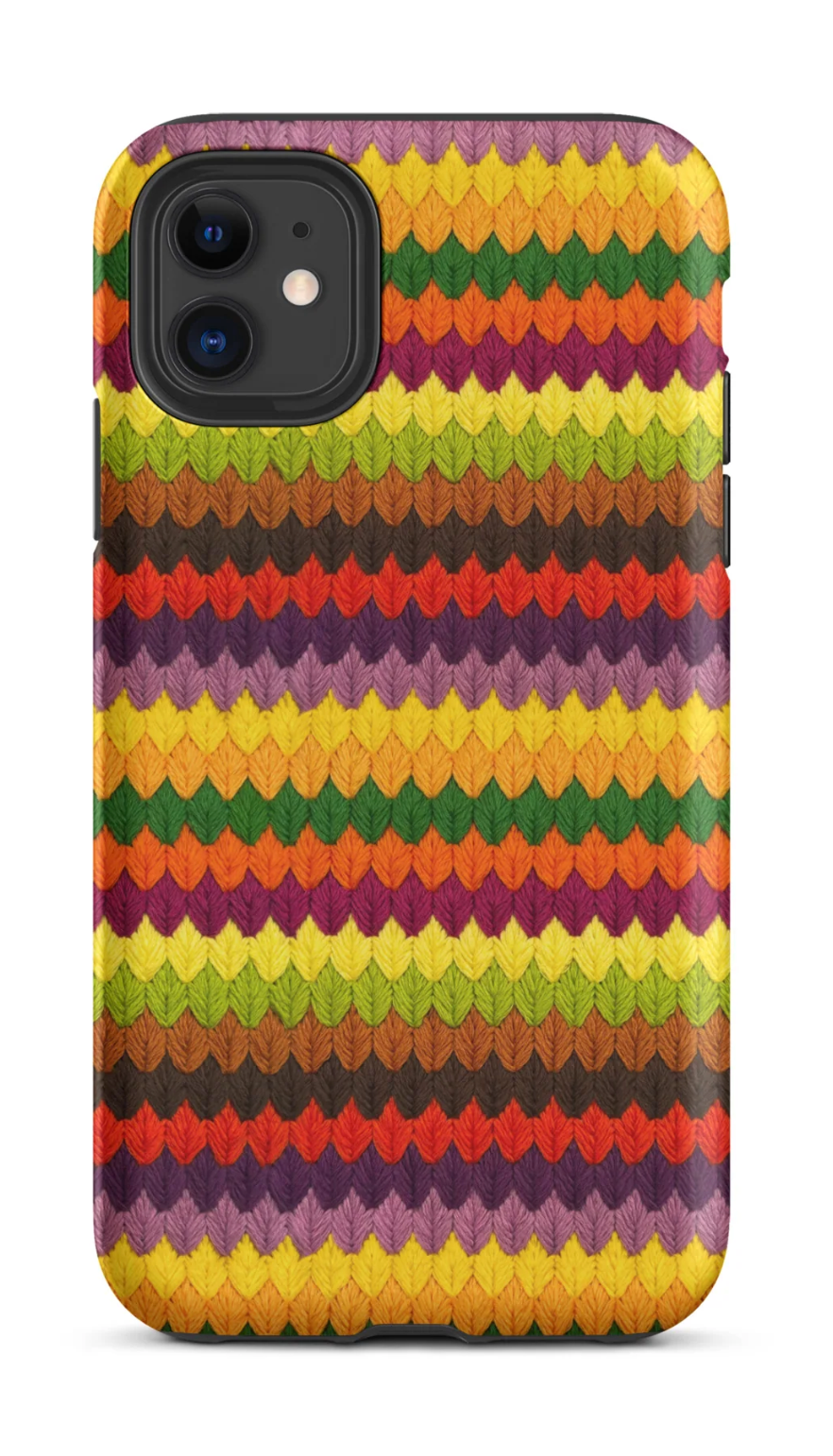
Final Product
Artwork Clean-up
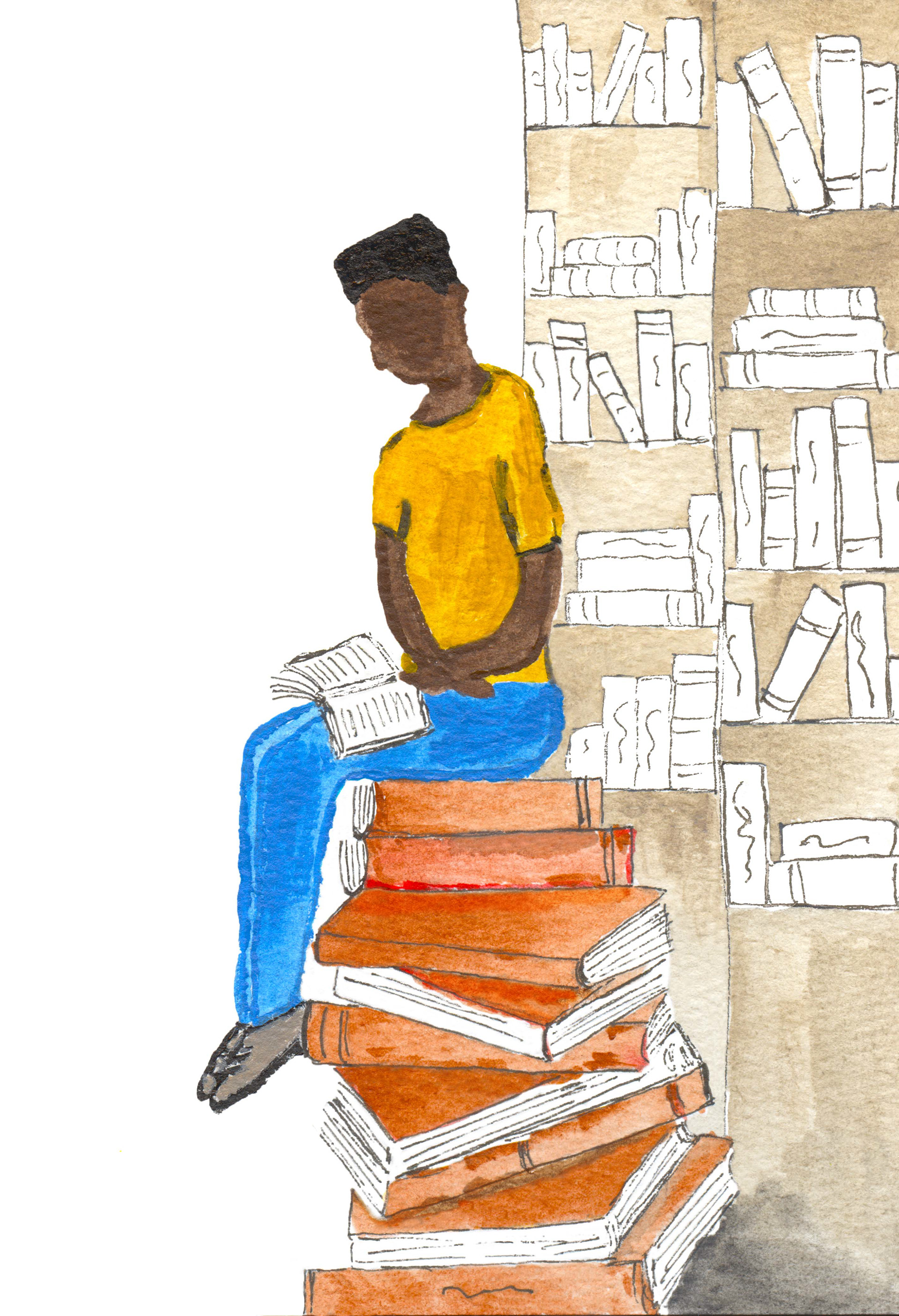
Client Brief: Using scan of original artwork (left), clean up lines and edges and remove pencil markings and pencil shading, especially on books. Remove paper texture from left-side background.
Tools used: Photoshop layer masking, brush tool, stamp tool, and hue-saturation layers.
Tools used: Photoshop layer masking, brush tool, stamp tool, and hue-saturation layers.
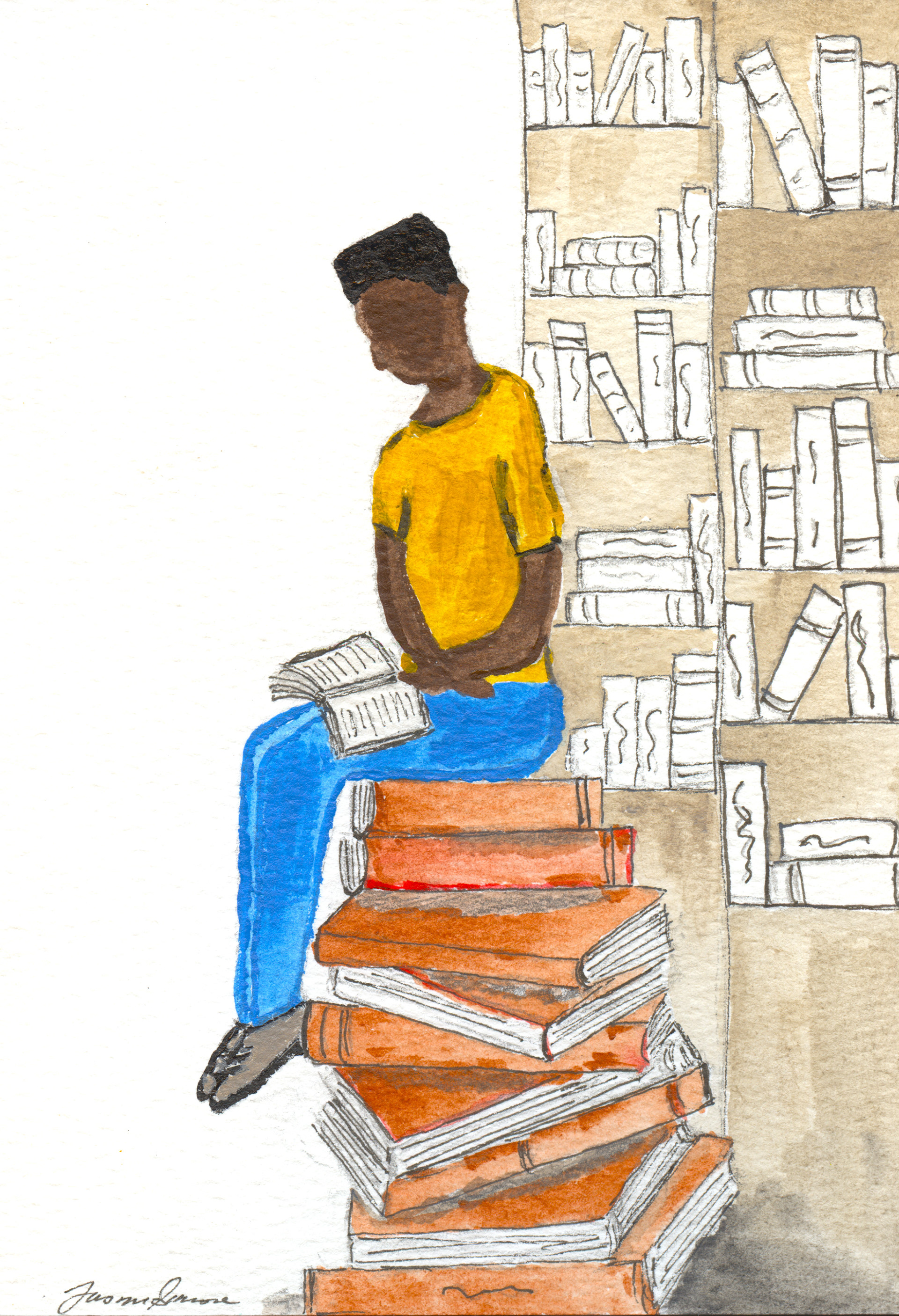
Before